UI Label Renaming: Financial Class & Kind
Overview
This release renames two UI-only labels in the Insurance Payer and Coverage areas of OmegaAI to align terminology with industry-standard usage. No underlying data, field behavior, or FHIR mappings are affected.
What's New
1. "Financial Type" renamed to "Financial Class"
What changed:
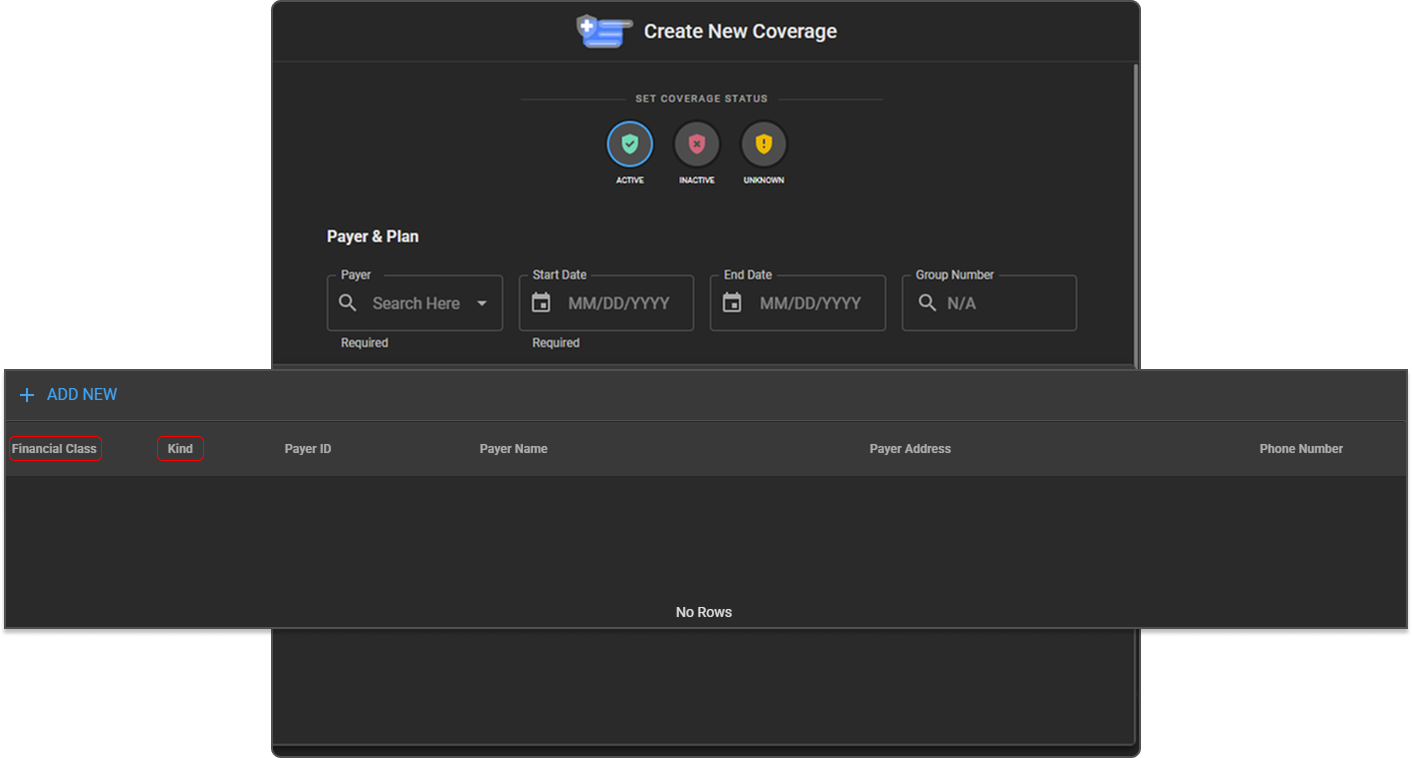
The label "Financial Type" now displays as "Financial Class" across the Insurance Payer form, Financial Type management list, Coverage table column, and Coverage row details/summary.
Benefit:
Aligns the UI with standard payer terminology used across the industry, reducing confusion for billing and front-desk staff.
2. "Payer Type" renamed to "Kind"
What changed:
The label "Payer Type" now displays as "Kind" on the Insurance Payer form and its table column. The underlying field logic (e.g., self-pay vs. insurance behavior) is unchanged.
Benefit:
Shorter, clearer labeling that matches updated terminology conventions without altering existing workflows.
Important Notes
- This is a label-only change — no data structure, validation rules, or FHIR extension mappings were modified.
- Changes apply to the OmegaAI UI only.
Where to Find It
Navigation path in the application:
- Financial Class: Organization → RIS → Financial Class (list of financial class codes and names)
- Kind: Organization → RIS → Payers (column on the Payers list, and field on the Insurance Payer form)
- Both fields also appear together on the Payers list (Kind and Financial Class columns) and in the Create/Edit Coverage screen under Payer & Plan