Revoking a Patient's Blume Access
Removing a patient's email address from their record in OmegaAI will revoke their access to the Blume patient portal and unsync their associated study data.
To revoke Blume access:
- Log in to OmegaAI.
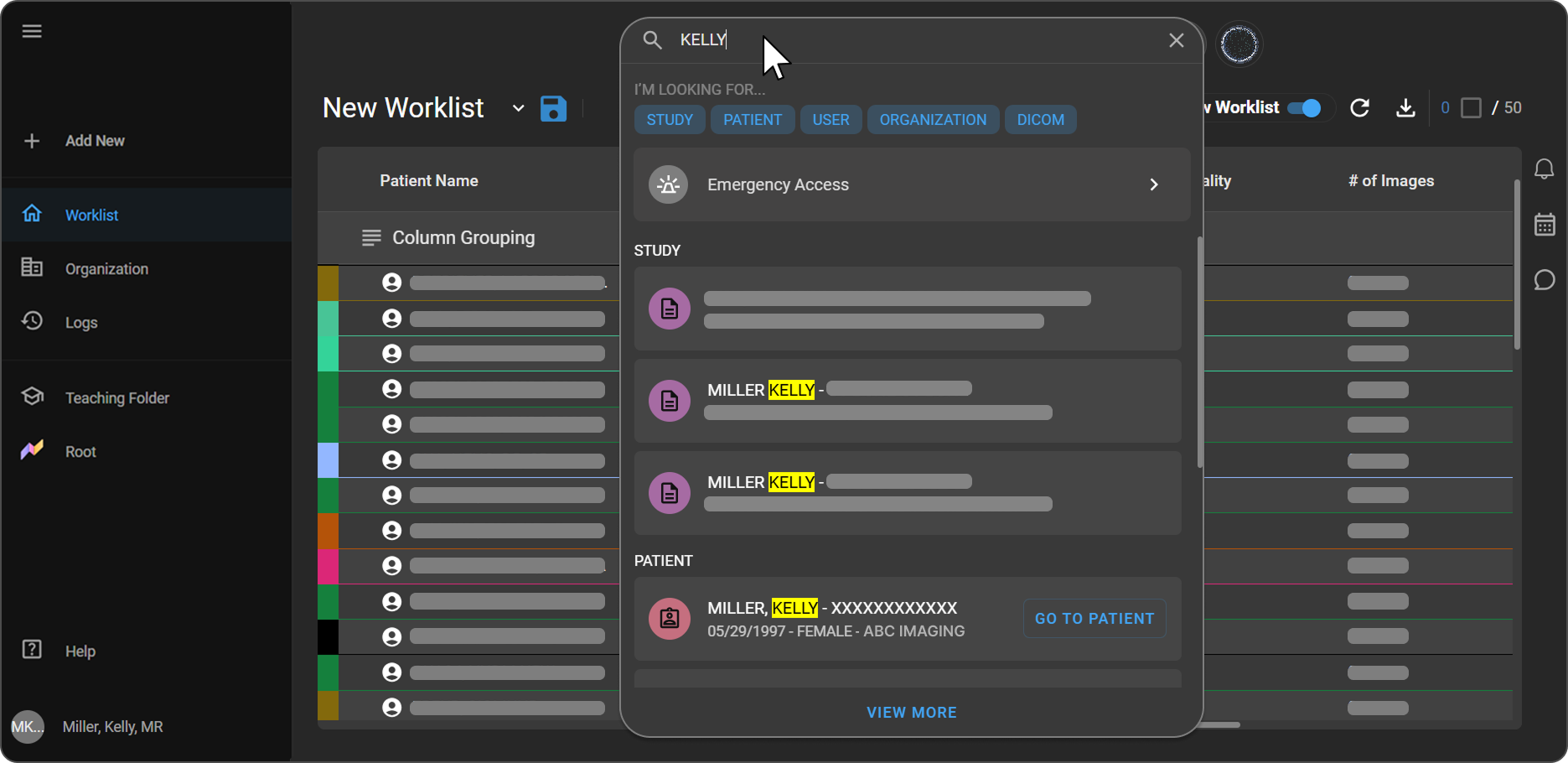
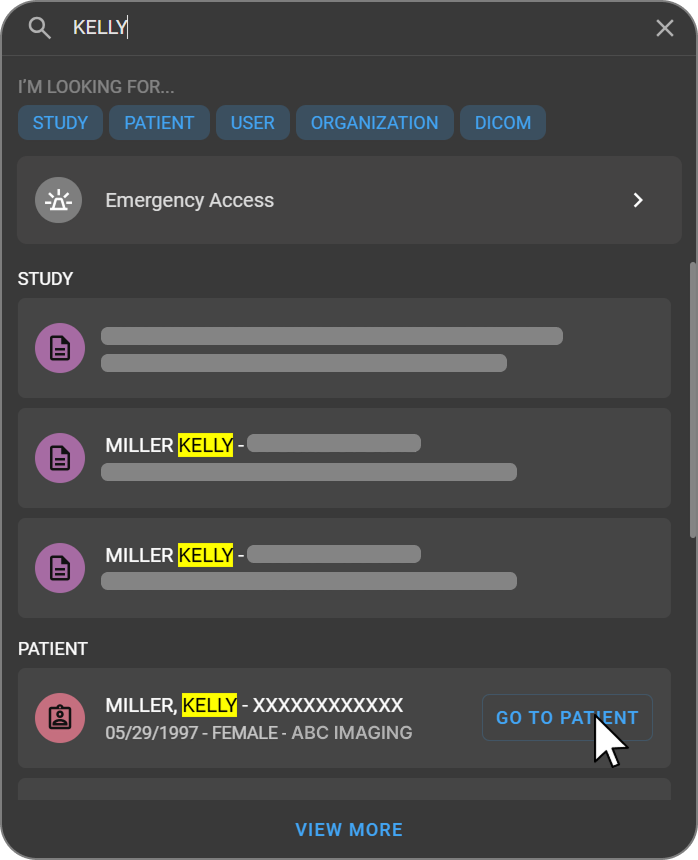
- Search for the patient and open their Patient Information page.
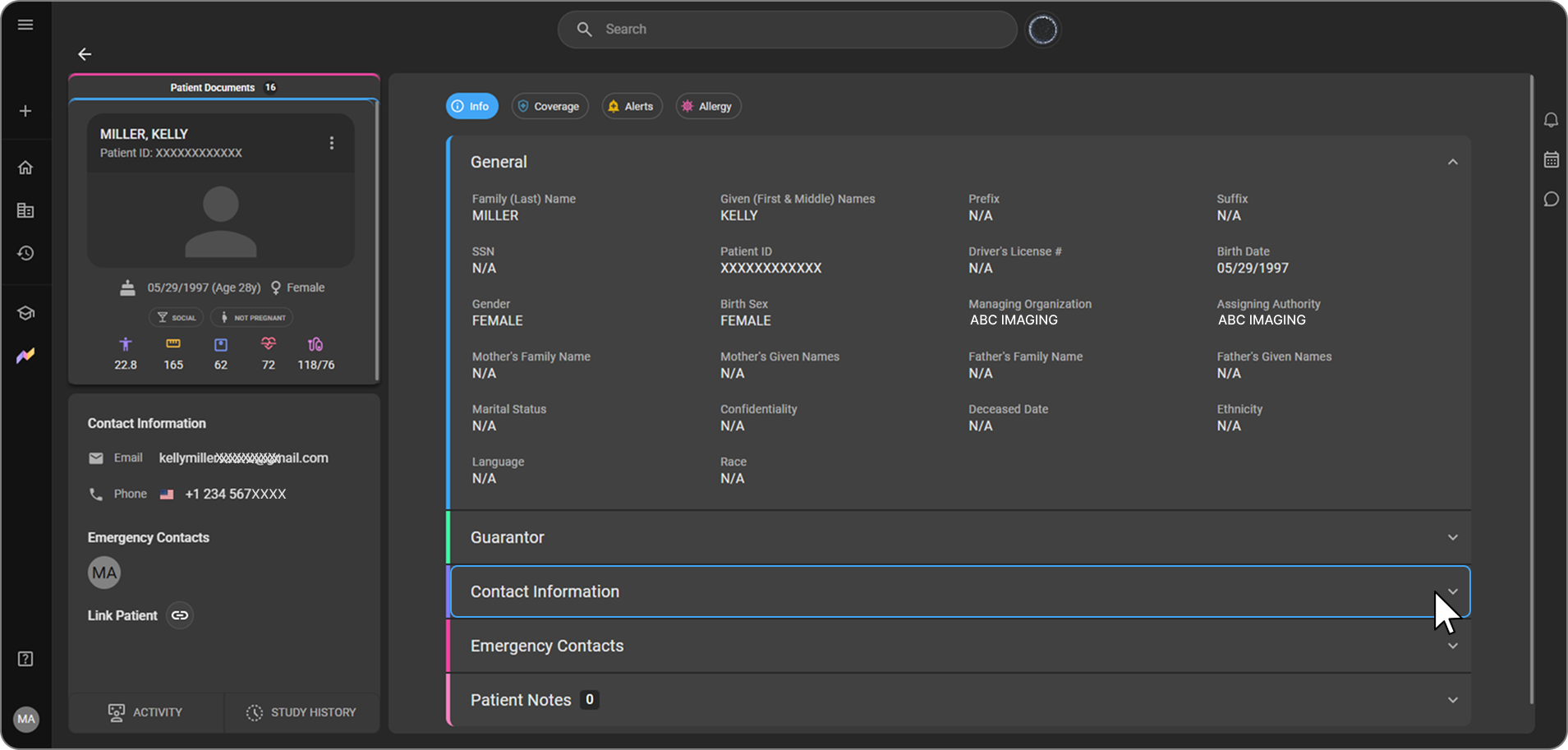
- Scroll down to the Contact Information section and expand it.
- The patient’s email address can be edited directly inline to update the email and revoke access as needed. Additionally, hovering over the email address reveals the Delete option.
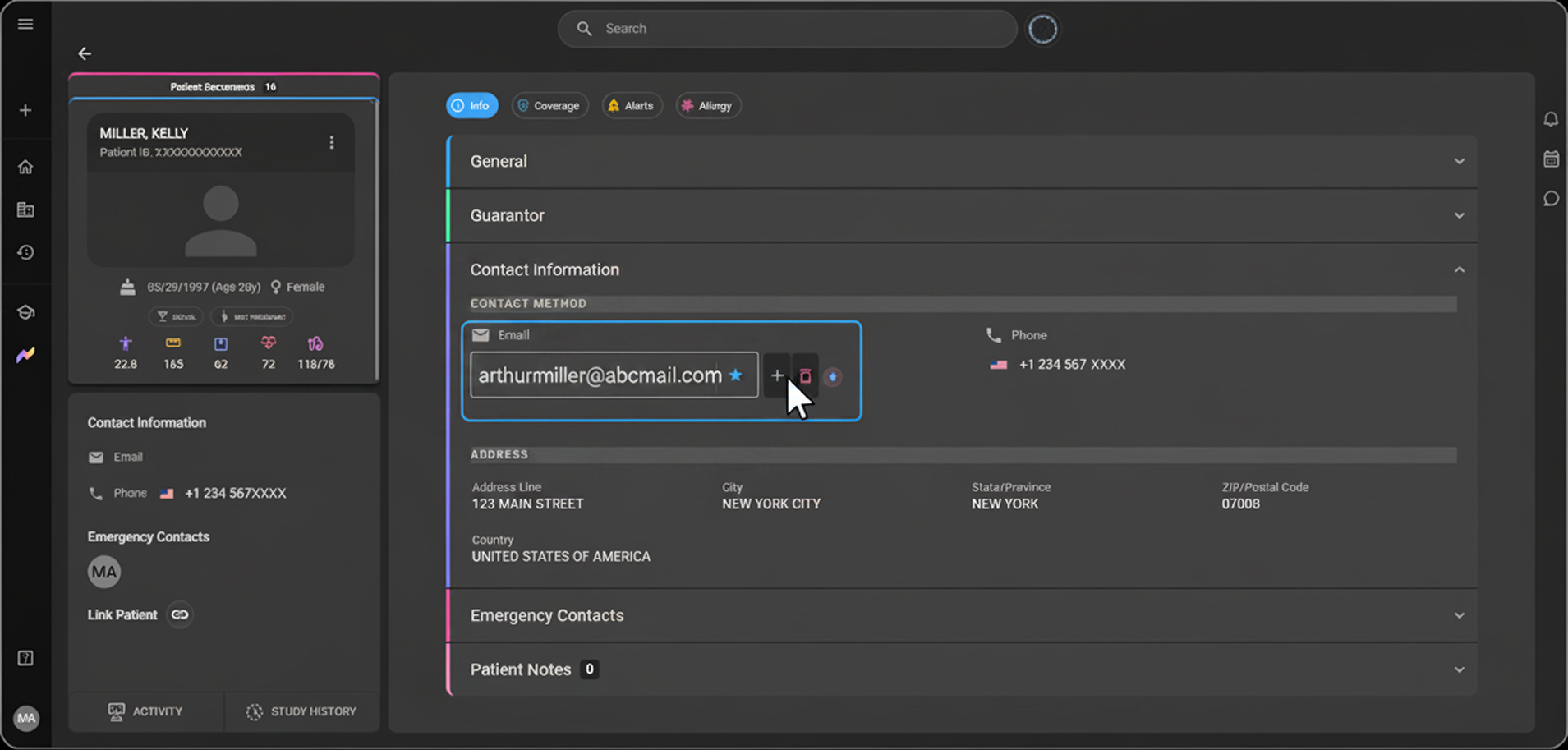
- Update the email address to the correct one and save to revoke access.
Once the email is updated,the data linked to the previous account will be unsynced and the patient will no longer have Blume access under the old email address.
Note: Deleting the email entry directly will not revoke the patient's Blume access, the system will re-add the email automatically.To revoke access, the email address must be updated to a new one. If a patient has two email addresses listed, removing one of them will unsync the Blume data associated with that specific entry.