Coming Soon: Modality-Aware Window Level Presets
Overview
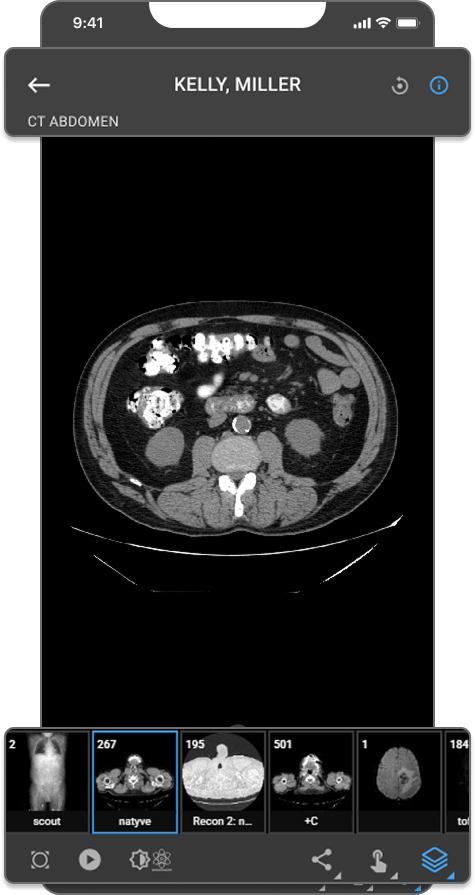
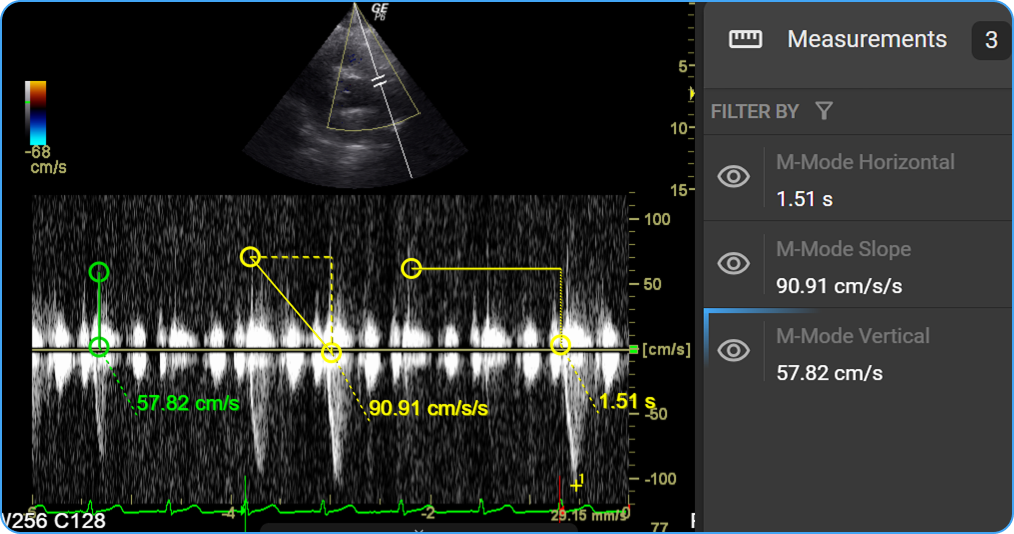
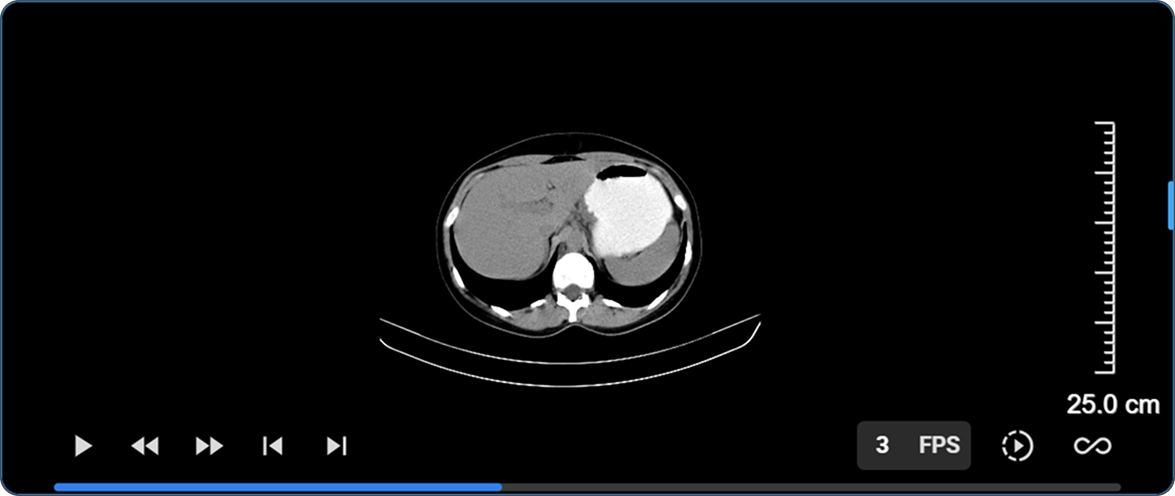
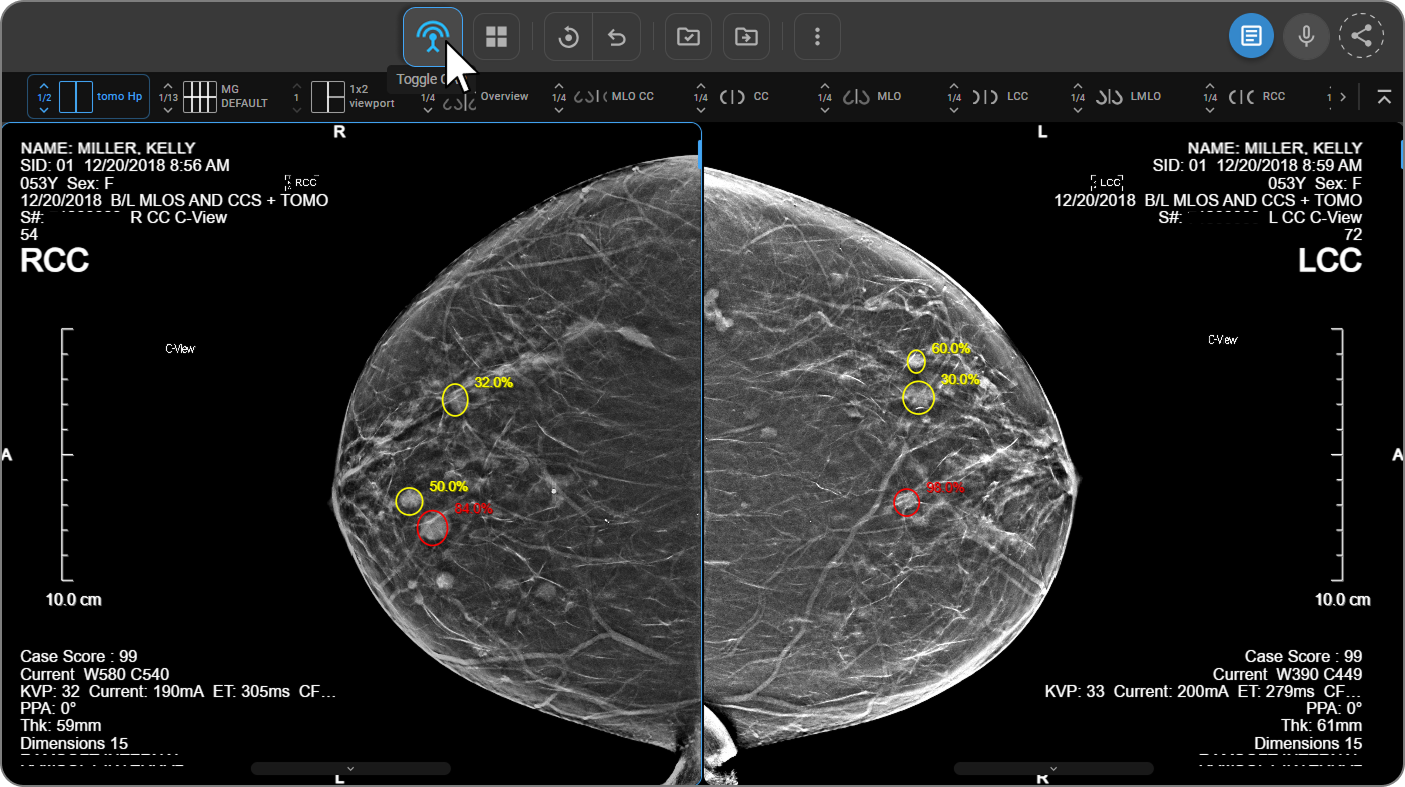
Window Level presets in the OmegaAI Image Viewer are now tailored to the modality you're actually viewing, replacing the old CT-centric preset list that used to appear on every study type regardless of modality.
What's New
1. Presets Filtered by Modality
What changed:
The Window Level preset list is now filtered to the modality being viewed — CT, MR, US, PT, NM, and more each get their own relevant list, instead of a single generic CT-centric list showing up everywhere.
Benefit:
Every modality gets presets that are actually clinically relevant to it, so you're never scrolling past irrelevant CT presets on an MR or ultrasound study.
2. Corrected CT Presets & Auto-Windowing for Other Modalities
What changed:
CT presets like Brain, Stroke, Mediastinum, Soft Tissue, and Abdomen now use corrected clinical values, with a new Subdural preset added. Modalities where a fixed window doesn't make sense — MR, US, CR/DX, and NM — now default to auto-windowing strategies instead, calculated from the image data itself.
Benefit:
Presets reflect current clinical standards, and modalities that never suited fixed numeric values now window correctly by default.
3. Compound Presets for PET & Nuclear Medicine, Mammography Support
What changed:
PET and Nuclear Medicine presets now apply window level and color map together in a single selection (Hot Iron, Hot Metal Blue, PET Rainbow, Cool, Inverted Gray), with correct SUV-unit windowing. Mammography gains sigmoid VOI LUT support, with correct handling of "For Presentation" vs. "For Processing" images.
Benefit:
One click gets you the correct look for PET/NM studies, and mammography windowing now matches how those images are meant to be displayed.
4. Three-Tier Preset Configuration
What changed:
Presets now resolve through three tiers — System defaults, Organization overrides, and User overrides — so administrators and individual radiologists can customize presets without losing the underlying system defaults.
Benefit:
Organizations and individual readers can fine-tune presets to their own preferences without breaking the baseline for everyone else.
Important Notes
- Backward compatible: All original CT preset names are preserved, so existing Hanging Protocols referencing them by name continue to work unchanged.
Where to Find It
- Window Level Presets: Image Viewer → Window Level tool → preset dropdown (filtered to the active viewport's modality)