Panel de medición
Descripción general
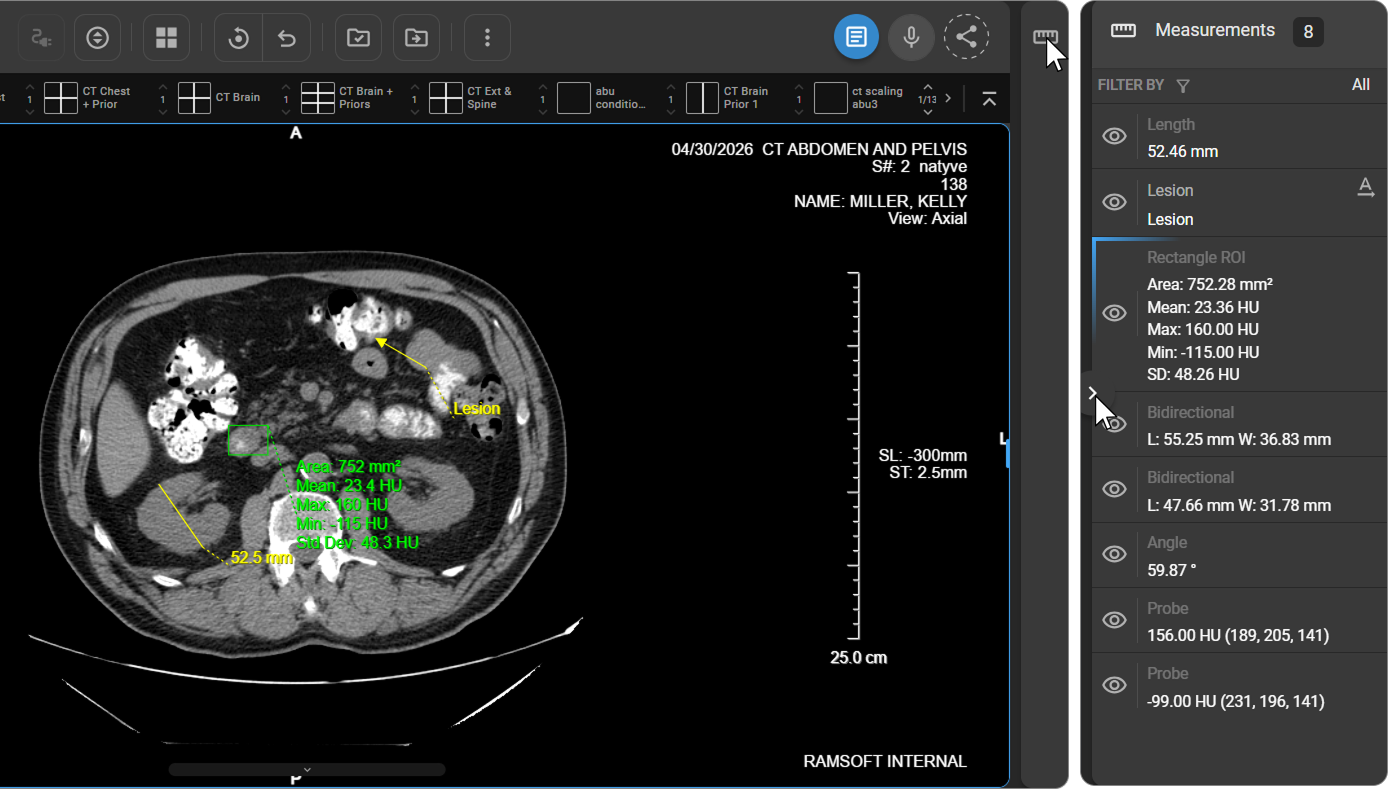
El panel de mediciones de OmegaAI es una interfaz específica para gestionar y revisar las mediciones y anotaciones creadas en el visor de imágenes. Situado en la parte derecha del visor de imágenes, permanece oculto de forma predeterminada. Haga clic en el icono del panel de mediciones situado a la derecha del visor para desplegarlo. El encabezado del panel muestra el recuento total de mediciones del estudio activo.
Filtrar mediciones
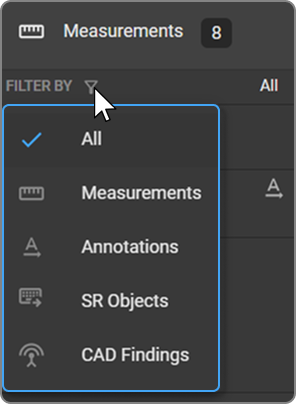
Utilice el menú desplegable Filtrar por situado en la parte superior del panel para filtrar los elementos de medición por tipo. La selección predeterminada es Todo.
|
|
Navegar a una medición
Haga clic en cualquier entrada de medición para ir directamente al fotograma o corte exacto en el que aparece la medición seleccionada en la ventana de visualización.
Alternar visibilidad
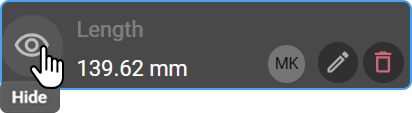
Cada entrada de medición incluye un icono de ojo a la izquierda. Haga clic en él para mostrar u ocultar esa medición específica en la ventana de visualización.
- Los cambios de visibilidad son temporales: tras actualizar el navegador o volver a iniciar sesión, todas las mediciones pasan a estar visibles de forma predeterminada.
- Las opciones de visibilidad no afectan a otros usuarios.
Edición de anotaciones y etiquetas de medidas
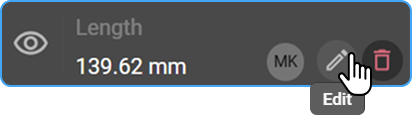
Pase el cursor sobre cualquier entrada de medida para que aparezca el icono de lápiz. Haga clic en él para cambiar el nombre de la etiqueta de la medida o modificar el texto de la anotación.
Identificación del usuario
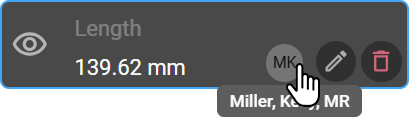
Junto a cada entrada aparece una insignia circular que muestra las iniciales del usuario que creó la medida. Pase el cursor por encima de la insignia para ver el nombre completo del usuario, a modo de referencia y para mayor claridad en la auditoría.
Eliminar medidas
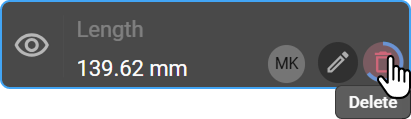
Pase el cursor sobre una entrada de medición para que aparezca el icono de la papelera. Haga clic y mantenga pulsado para eliminar la medición tanto de la ventana de visualización como del panel.
Para eliminar sin abrir el panel, pulse la tecla Suprimir del teclado; esto elimina la medición creada más recientemente o la que esté seleccionada en ese momento.
Guardar marcadores
Cuando la opción Guardar marcadores está activada, todas las marcas y mediciones (por ejemplo, longitudes, ángulos, etiquetas y anotaciones) se guardan automáticamente en el panel de mediciones y se conservan en futuras sesiones de visualización.
> Para obtener más información, consulte Guardar marcadores.
> Nota: OmegaAI es compatible con las anotaciones DICOM 6K; sin embargo, estas anotaciones no aparecen en el panel de mediciones.